Visitor attention
How to Bring Visitors Back After They Leave Your Browser Tab
Visitors do not always reject your page. Often they open another tab, compare options, answer a message, or simply forget what they were doing. This guide is for site owners who want a practical way to make return visits easier without covering the page people are actively using.
On this page
Why abandoned tabs happen
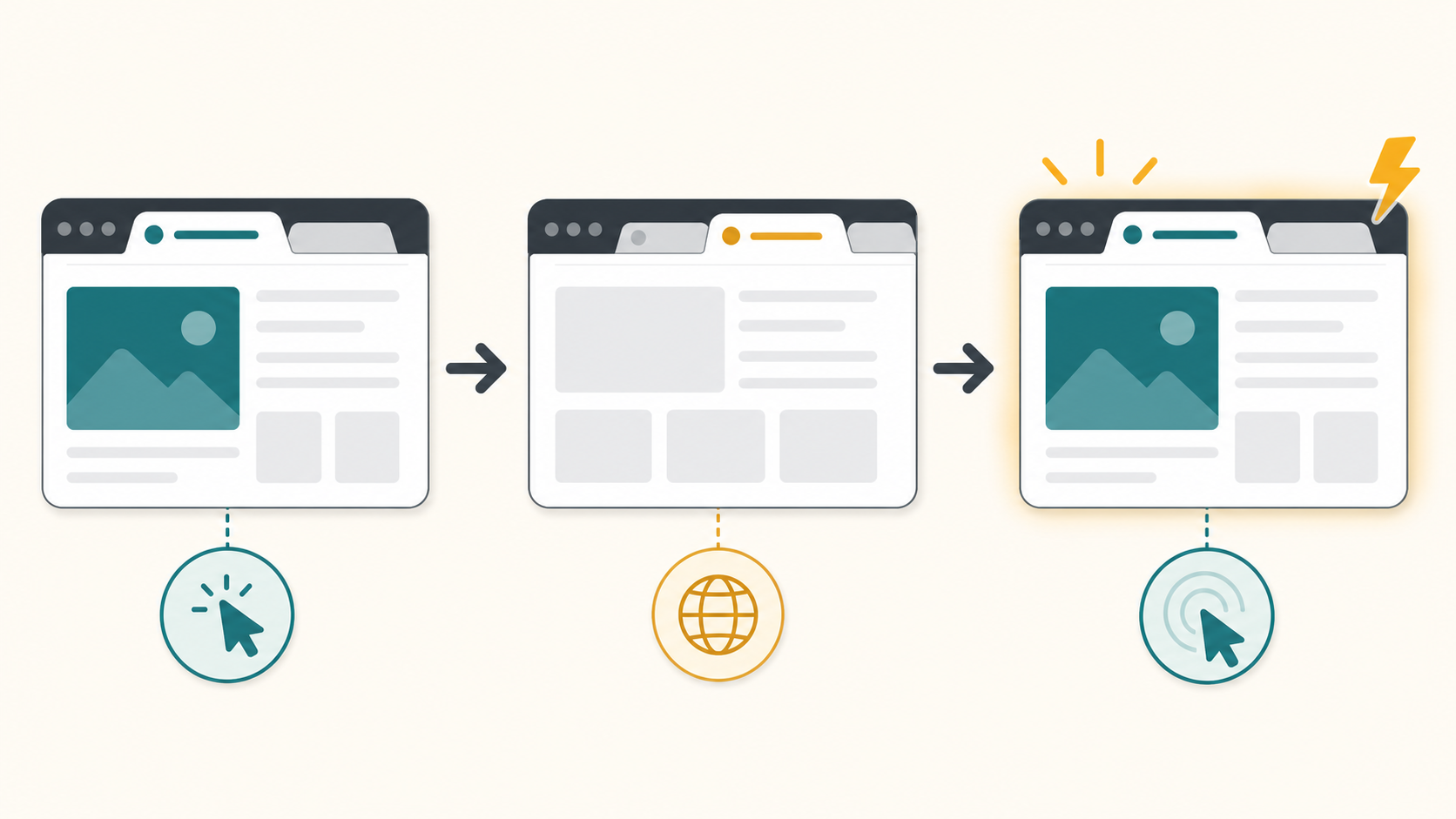
A visitor can leave your tab for reasons that have nothing to do with dislike. They may be comparing prices, checking a review, waiting for a teammate, or opening several tasks at once. Once your page becomes a background tab, your headline, button, and offer are no longer visible.
That does not mean you should chase them everywhere. It means your site should make it easy to resume the task they already started.
The quick answer
Before adding any reminder, make the original page easier to resume. A good recovery flow feels like a bookmark for an unfinished task, not an alarm.
- Make the page's main promise and next action obvious on return.
- Preserve the visitor's cart, form, filter, or reading state when possible.
- Use an inactive-tab title only after the visitor switches away.
- Keep the message short enough to understand in a crowded browser tab.
- Restore the original title as soon as the visitor comes back.
What bringing visitors back can and cannot mean
Bringing visitors back means giving them a clear, respectful path back to the page they chose to open. It can remind them that a cart, comparison, signup, or article is still waiting.
It cannot fix a confusing offer, a broken checkout, or a page that asks for too much too soon. It also should not pretend to know more than it does. If you do not have permission to contact someone, stay inside the browser experience they already opened.
| Helpful use | Poor use |
|---|---|
| Reminding someone that a cart, article, pricing page, or setup flow is still open. | Trying to rescue a page that is confusing, slow, or missing the next step. |
| Using calm copy that matches the page the visitor chose to leave open. | Using guilt, fake scarcity, or messages unrelated to the visitor's task. |
| Changing the title only while the tab is in the background. | Changing titles while the visitor is reading, checking out, or filling a form. |
Five practical ways to recover attention
- Improve the first screen. A returning visitor should know what the page is, why it matters, and what to do next within a few seconds. Fix that before trying any reminder tactic.
- Make the next action visible. Checkout, demo booking, signup, download, or continue-reading actions should be easy to find after the visitor comes back.
- Save state. Preserve carts, form progress, filters, selected plans, and unfinished tool input whenever possible. A reminder is much more useful when the page still remembers the visitor's place.
- Use permission-based follow-up. Email and cart recovery are useful when the visitor has opted in, logged in, or otherwise given you a legitimate reason to follow up.
- Use tab-title reminders after they switch away. A short inactive-tab title can keep your page recognizable without adding a popup to the page they are actively using. It works best when the page has a clear unfinished task.
Example tab-title flows
Keep the copy short. Browser tabs cut off long messages quickly, so the first two or three words need to carry the meaning. Aim for two to four words when you can.
| Site type | Use when | Title sequence | Why it works |
|---|---|---|---|
| Ecommerce | The visitor left a cart, product, or checkout page open. | Still deciding? / Cart waiting | It points back to the unfinished shopping task without pressure. |
| SaaS | The visitor is comparing plans, demos, or signup options. | Still comparing? / See the plan | It matches the evaluation moment and keeps the next step visible. |
| Content | The visitor left a long article, lesson, or resource page. | Finish this guide / Saved for you | It reminds the reader that the page is still useful when they return. |
A calm timing recipe
Treat this as a starting point to test, not a universal rule. The goal is to stay visible without making the tab feel noisy.
| Page moment | Delay after tab switch | Rotation pace | Message count |
|---|---|---|---|
| Cart or checkout | 8 to 12 seconds | Every 4 to 6 seconds | Two short titles |
| Pricing or demo page | 10 to 15 seconds | Every 5 to 8 seconds | One or two titles |
| Article or guide | 15 to 25 seconds | Every 8 to 12 seconds | One calm title |
- Wait until the tab is hidden. Do not change the title while the visitor is active on the page.
- Add the chosen delay. Start the first alternate title only after the tab has been inactive for a few seconds.
- Use one or two alternate titles. More messages usually make the browser tab harder to understand.
- Rotate at a readable pace. Give each title enough time to be read. Avoid rapid flashing or urgent loops.
- Restore the original title on return. The visitor should immediately know they are back on the page they opened.
Test it before you ship
A tab-title reminder is easy to overdo. Test the actual browser behavior before adding it to a live page.
- Open the page in a browser with several other tabs already open.
- Switch away and confirm the title does not change immediately.
- Check that the first visible words still make sense when the tab is narrow.
- Return to the page and confirm the original title restores right away.
- Ask one person who did not write the copy whether the reminder feels useful or pushy.
Mistakes to avoid
- Flashing too fast. Rapid title changes feel noisy and can make the tab harder to identify.
- Guilt-heavy copy. Messages like "Don't abandon us" or "You forgot this" can make a useful reminder feel manipulative.
- Long messages. If the important words are at the end, most visitors will never see them in the tab.
- Changing the title while the visitor is active. The page title should stay stable when the visitor is reading, buying, or filling out a form.
Where TitleFlash fits
TitleFlash is useful when you want to write, preview, and export a tab-title reminder without asking a developer to hand-code it. You can build the sequence, check how it looks in the inactive-tab state, and copy a self-contained script for your site.
The exported script is the runtime. It does not call TitleFlash after installation, does not load a TitleFlash CDN, and does not send visitor analytics back to TitleFlash.
Final checklist
- The page has a clear reason to come back, such as a cart, comparison, form, or article.
- The page makes its main value and next action clear.
- Carts, forms, tools, or reading progress are saved when practical.
- Any email or cart follow-up has permission behind it.
- The inactive-tab title changes only after the visitor switches away.
- Each title message is short enough to understand in a browser tab.
- The original page title restores when the visitor returns.
- The reminder copy is calm, specific, and related to the page they left.
Build a respectful tab-title flow.
Draft the messages, preview the inactive-tab moment, and export a script you control when you are ready.
Build a tab-title flow free