Message examples
Best Browser Tab Title Messages for Ecommerce, SaaS, and Content Sites
The hard part is not changing the browser tab title. The hard part is writing a message that feels helpful in a small browser tab. This guide gives reusable inactive-tab title examples you can adapt, test, and ship without making your site feel pushy.
On this page
The quick answer
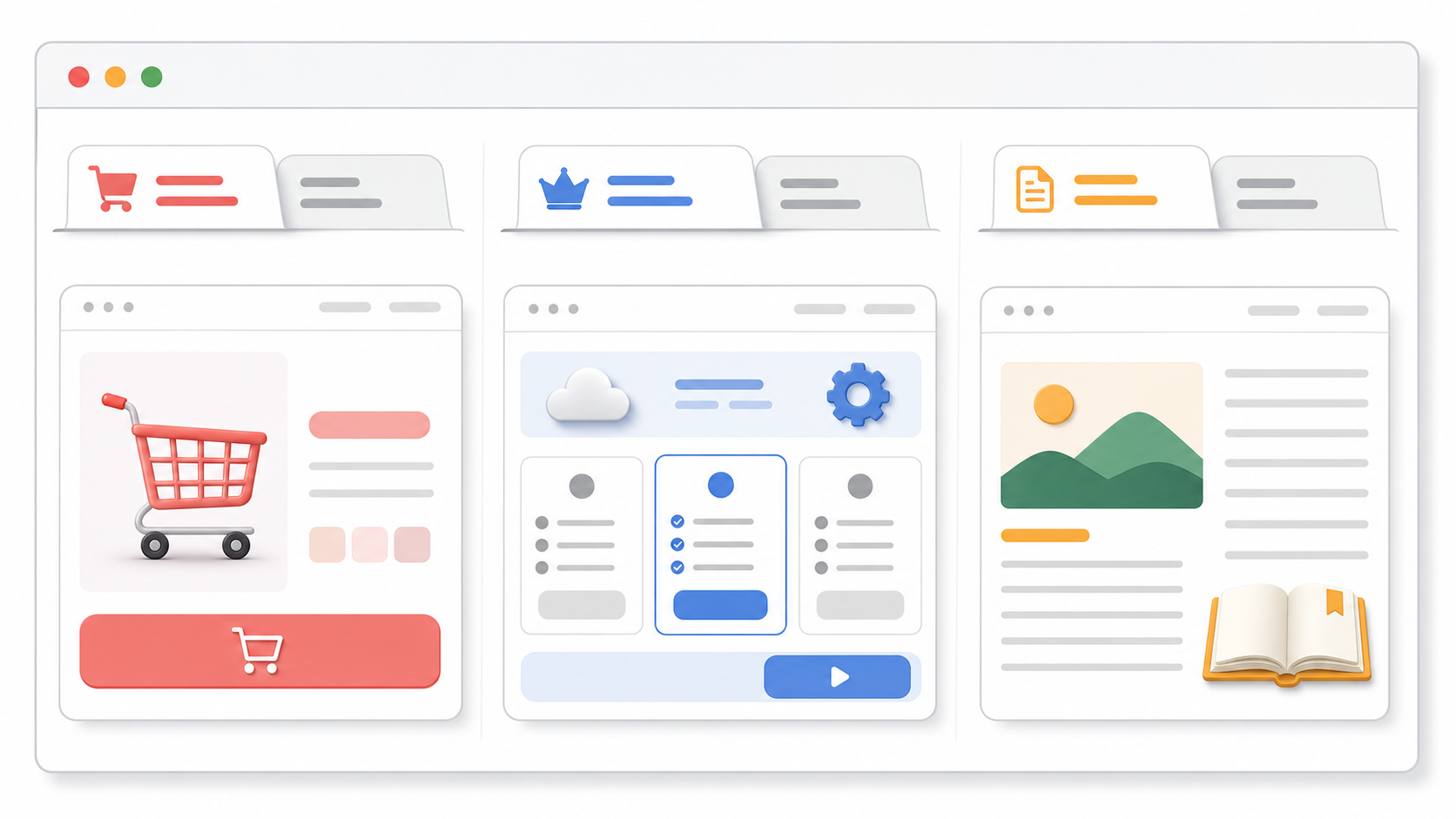
The best browser tab title messages are short, calm, and tied to the unfinished task.
- Ecommerce: "Still deciding?", "Cart waiting", "Your size is saved", "Checkout is open".
- SaaS: "Still comparing?", "See the plan", "Demo details here", "Finish setup".
- Content: "Finish this guide", "Saved for you", "Keep reading", "You were here".
Use one question or reminder first, then one more specific follow-up if the page has a clear next action. If the message does not make sense when only the first two or three words are visible, rewrite it.
What makes a good inactive-tab title message
A good inactive-tab title message should do one small job: help the visitor recognize why they left your page open.
It should not try to close the sale by itself. It should not create fake pressure. It should not say more than the browser tab can show.
| Rule | Good default | Why it matters |
|---|---|---|
| Length | Two to four words | Tabs become narrow when many are open. |
| Message count | One or two alternate titles | More messages are harder to scan and test. |
| Tone | Calm reminder | The visitor may be comparing, reading, or multitasking. |
| Context | Match the page | Cart copy belongs on cart pages, not every page. |
| Restore | Return to the original title when active | The page should feel stable when the visitor comes back. |
Copy formulas you can reuse
Start with a simple formula before trying clever copy.
| Formula | Use it when | Examples |
|---|---|---|
| Soft question | The visitor is deciding or comparing. | "Still deciding?", "Still comparing?", "Need this later?" |
| Saved state | The page truly preserves progress. | "Cart saved", "Draft saved", "Your size is saved" |
| Next action | There is a clear step to resume. | "Checkout is open", "See the plan", "Finish setup" |
| Content reminder | The page is something to read or watch. | "Finish this guide", "Keep reading", "You were here" |
| Low-pressure return | You want a general reminder. | "Still here", "Saved for you", "Come back anytime" |
Do not use saved-state copy unless the site actually saves the cart, draft, setup progress, or reading position. The message should match reality.
Ecommerce title message examples
Ecommerce copy should point back to the shopping task without making the visitor feel trapped. Use the product, cart, checkout, or saved-selection context.
| Page context | First title | Second title | Use when |
|---|---|---|---|
| Product page | Still deciding? | Your pick is here | A shopper is comparing products or tabs. |
| Product variant | Your size is saved | Still available? | Size, color, or variant selection remains selected. |
| Cart page | Cart waiting | Checkout is open | The visitor has items in the cart. |
| Checkout page | Checkout is open | Finish when ready | The checkout state is preserved. |
| Wishlist or saved item | Saved for later | Your list is here | The visitor has intentionally saved items. |
Use care with scarcity. "Still available?" is only appropriate when availability is real and visible on the page. Avoid countdown-style copy unless the site has a real, accurate deadline.
SaaS title message examples
SaaS visitors often leave because they are comparing plans, checking with a teammate, or reading docs. The message should help them resume evaluation.
| Page context | First title | Second title | Use when |
|---|---|---|---|
| Pricing page | Still comparing? | See the plan | The visitor is comparing tiers or alternatives. |
| Demo page | Demo details here | Book when ready | The page has demo information or a scheduler. |
| Signup flow | Finish setup | Your draft is saved | Progress is saved and the user can resume. |
| Feature page | Still evaluating? | Details are here | The page explains a feature or use case. |
| Docs or onboarding | Keep setup going | Step is saved | The visitor is following setup instructions. |
SaaS copy should stay plain. Avoid pretending the product is talking personally to the visitor unless the page experience already supports that tone.
Content site title message examples
For content, the message should feel like a bookmark. Do not use urgency for an article, guide, lesson, or resource that the reader can return to later.
| Page context | First title | Second title | Use when |
|---|---|---|---|
| Guide or article | Finish this guide | Saved for you | The content is long enough to resume later. |
| Tutorial | Keep learning | You were here | The visitor is following steps. |
| Video or lesson | Continue watching | Lesson is here | Playback or lesson state is clear. |
| Resource page | Keep this open | Details are here | The page is a reference or checklist. |
| Newsletter article | Keep reading | Story is here | The reader left mid-article. |
The safest content pattern is a reminder, not a demand. "Finish this guide" is direct. "You must finish this now" is not.
Good use versus poor use
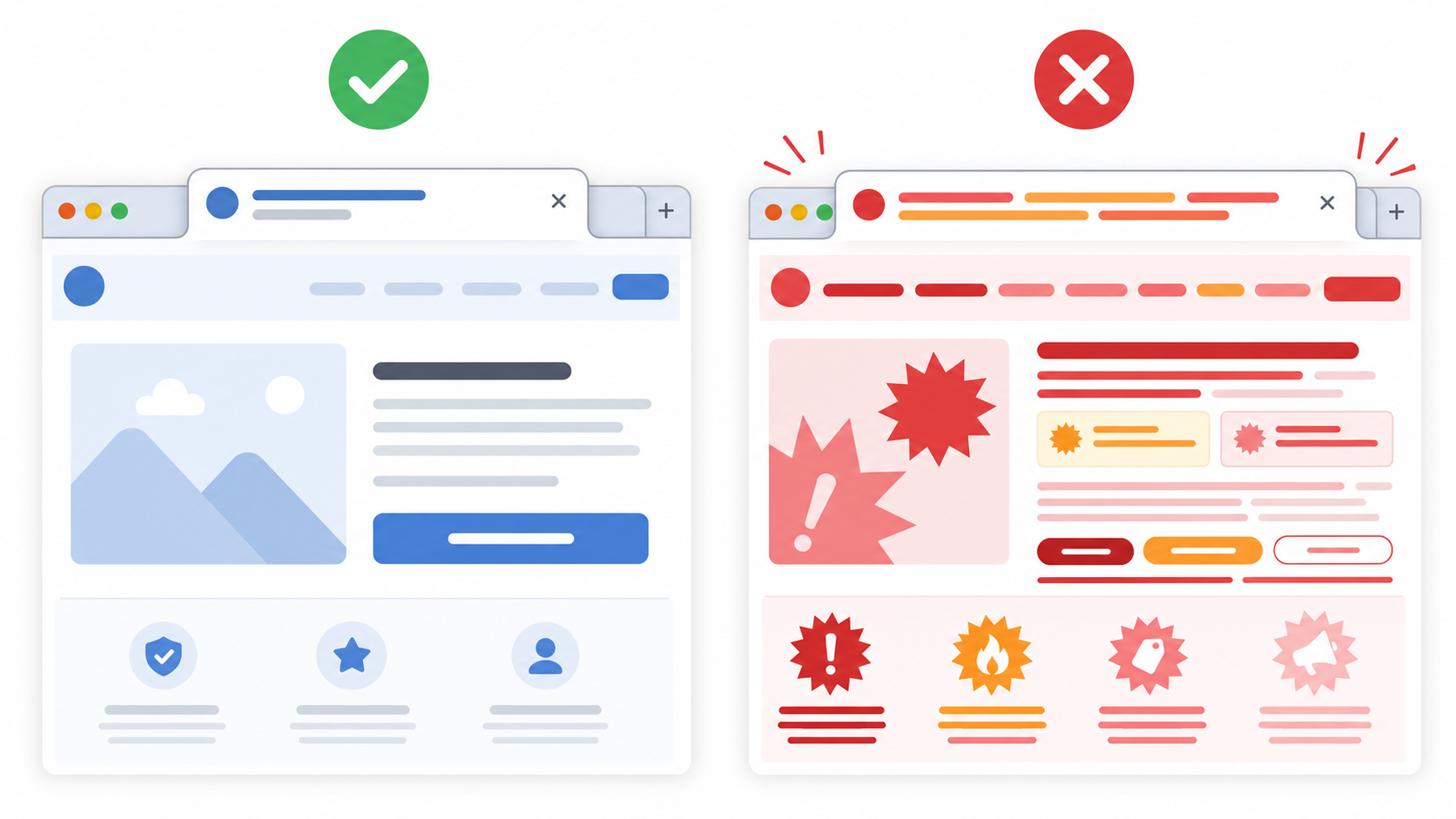
The same browser-tab tactic can feel useful or annoying depending on the copy.
| Good use | Poor use |
|---|---|
| "Cart waiting" on a cart page with saved items. | "You forgot to buy!" on every page. |
| "Still comparing?" on a pricing page. | "Your competitors are ahead!" on a pricing page. |
| "Finish this guide" on a long article. | "Do not leave us!" after the reader switches tabs. |
| One or two slow title changes. | Rapid flashing or a long loop of different messages. |
| Restoring the original title on return. | Keeping the attention message after the visitor comes back. |
If the copy would look strange as a small sticky note on the visitor's desk, it probably does not belong in the browser tab.
How to test a message sequence
Test the sequence before shipping it to a live page.
- Open the page with at least five other tabs already open.
- Switch away and wait for the first title change.
- Confirm the first two or three words still communicate the point.
- Wait for the second title, if you use one, and confirm it is not noisy.
- Return to the page and confirm the original page title restores immediately.
- Try the sequence on the page type where it will actually run: product, cart, pricing, guide, or setup.
- Ask one person who did not write the copy whether it feels helpful, neutral, or irritating.
Start with a delay of 8 to 12 seconds for carts, 10 to 15 seconds for pricing or demos, and 15 to 25 seconds for articles or guides. Use a slower pace if the message is not tied to a high-intent action.
Mistakes to avoid
- Writing full sentences. A browser tab is too small for them.
- Putting the important word last. It may be cut off.
- Using guilt-heavy copy like "You forgot us" or "Do not abandon this".
- Using fake scarcity when there is no real stock, deadline, or saved state.
- Running the same message across every page instead of matching the page context.
- Changing the title while the visitor is actively reading or checking out.
- Keeping the alternate title after the visitor returns.
Where TitleFlash fits
TitleFlash is useful when you want to draft these messages, preview the inactive-tab moment, and export a self-contained script without hand-coding the behavior.
The exported script is the runtime. It does not call TitleFlash after installation, does not load a TitleFlash CDN, and does not send visitor analytics back to TitleFlash.
Final checklist
- The message is two to four words when possible.
- The first two or three words make sense on their own.
- The copy matches the page type and visitor task.
- Saved-state copy only appears when the state is truly saved.
- Urgency is used only when it is real and visible on the page.
- The sequence uses one or two alternate titles.
- The title changes only after the tab is hidden.
- The original title restores when the visitor returns.
- The sequence was tested in a real browser with several tabs open.
Test your message before you ship it.
Write the titles, preview the inactive-tab state, and export a script you control when the sequence feels right.
Build a tab-title flow free