No-CDN tradeoff
Self-Hosted Marketing Script vs CDN: Which Should You Choose?
If you are adding a browser-side marketing script, the first technical choice is often not the message or effect. It is where that script should come from.
On this page
The quick answer
If the script is small, specific to your site, and does not need frequent remote updates, a self-contained script is usually the safer default.
- Choose self-contained delivery when you want one version you can review before publish.
- Choose self-contained delivery when you want fewer runtime dependencies outside your own stack.
- Choose self-contained delivery when you want clear ownership of when changes go live.
- Choose self-contained delivery when you need a simpler explanation for privacy-conscious stakeholders.
- Choose CDN delivery only when centrally managed updates solve a real operational need.
A CDN-delivered script can make sense when a tool truly requires centrally managed updates across many sites, but it should be a conscious tradeoff, not the default just because it is common.
What these two models actually mean
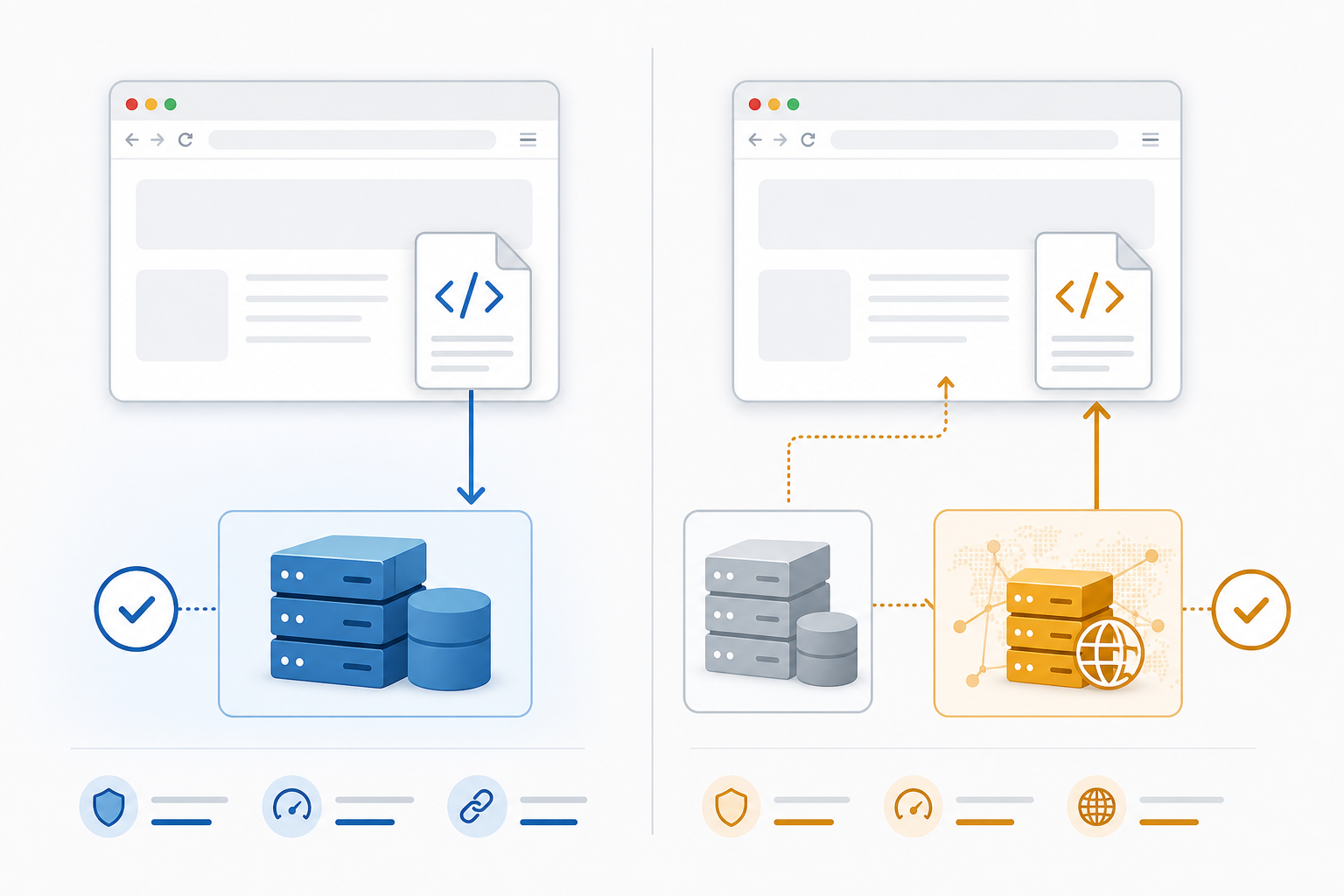
Self-hosted or self-contained
In this model, the script that runs in the browser is served as part of your own website deployment.
- An inline snippet you exported and pasted into your site.
- A JavaScript file you host with the rest of your site assets.
- A tag-manager snippet that still contains the full logic you reviewed and shipped.
The important point is that the browser can run the script without fetching its behavior from someone else's runtime host.
CDN-delivered
In this model, your page includes a reference to a script hosted elsewhere, usually on a vendor domain or shared CDN.
That means the browser depends on an extra runtime request before the script can do its work. It can be fast and perfectly acceptable in many cases, but it introduces another system, another deployment surface, and another source of change outside your own release cycle.
Why this choice matters
- A page effect stops working because a third-party script did not load.
- A security or privacy reviewer asks exactly what runs on the page and where it comes from.
- A team wants to roll back behavior quickly but does not control the vendor's last change.
- Someone assumes "installed once" means "fully owned," even though the page still depends on an outside runtime.
If none of those situations would matter to your site, you may accept the extra dependency. If they would matter, the delivery model deserves real attention.
A practical comparison
1. Ownership and change control
Self-contained scripts usually win when you care about knowing exactly which version is live.
- Your team decides when a new version ships.
- Code review can happen inside your normal release process.
- Rollback is usually tied to your own deploy or tag-manager change history.
With a CDN-delivered script, part of the runtime behavior may change outside your site deploy.
2. Reliability and runtime dependency
Every extra runtime request is another thing that can fail, stall, or be blocked.
- Another host being reachable.
- Another response arriving fast enough.
- Another asset not being blocked by network policy, consent tooling, or browser conditions.
If the script drives a nice-to-have enhancement, that may be fine. If it affects a core visitor path, many teams prefer the tighter control of a self-contained asset.
3. Privacy and stakeholder clarity
Privacy review is easier when you can explain the runtime simply.
- Which host serves it?
- What else loads with it?
- Can the provider change runtime behavior later?
- Does it make outbound calls after load?
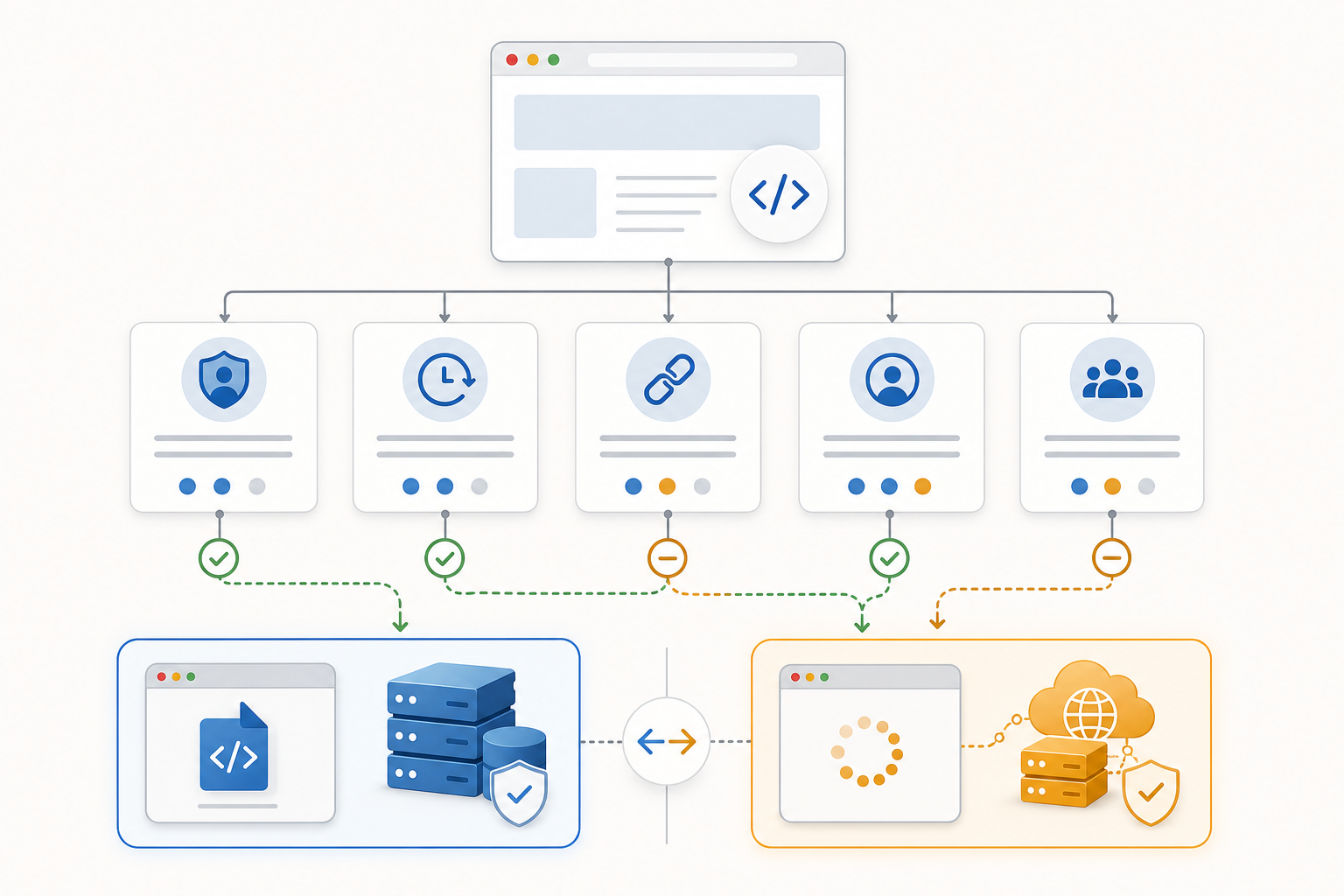
4. Update speed and maintenance convenience
This is where CDN delivery often has a fair advantage.
- Reduced deployment control.
- Less obvious version ownership.
- Harder incident diagnosis when behavior changes unexpectedly.
Ask a practical question: "Do we need remote runtime updates often enough to justify the extra dependency?"
5. Team fit
The right answer depends partly on how your team works.
- Self-contained fits better when you already have a predictable deploy process.
- Self-contained fits better when you want implementation reviewed once and shipped intentionally.
- CDN delivery fits better when central updates are a strong operational benefit.
- CDN delivery fits better when graceful failure is acceptable and the behavior is clearly non-critical.
Which option should you choose first
- The script is short or moderate in size.
- The behavior is specific to your site.
- You want to review the exact runtime code before launch.
- You want rollback to stay inside your own publish flow.
- You do not need the vendor to change behavior remotely every week.
Start with a CDN-delivered script only if the vendor-managed update model solves a real operational need, not just a vague preference for convenience.
Good use versus poor use
| Good use | Poor use |
|---|---|
| Using a self-contained script for one focused site behavior that rarely changes. | Adding a hosted runtime by default without checking whether you need remote updates. |
| Choosing a CDN-delivered tool because you truly need vendor-managed fixes across many sites. | Calling a hosted script "fully installed" when the page still depends on an outside fetch. |
| Reviewing what happens if the script fails or loads slowly. | Treating script delivery as a small technical detail that does not affect page reliability. |
| Explaining the runtime model clearly to privacy or security reviewers. | Assuming no one will ask where the page behavior actually comes from. |
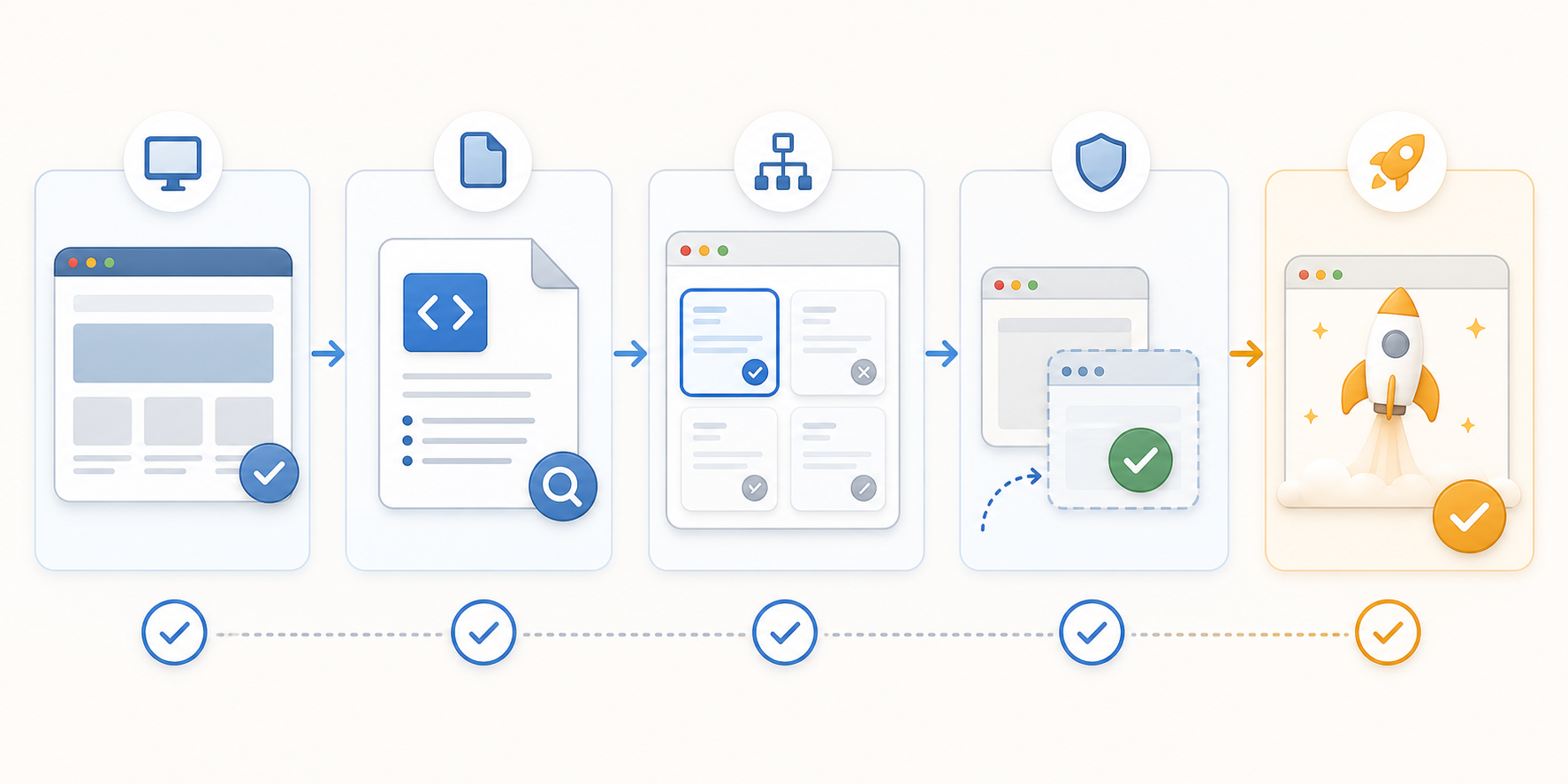
A pre-launch review you can run today
- List every browser-side marketing script on the page.
- Mark whether each one is self-contained or fetched from an outside host at runtime.
- Decide which ones affect a core visitor path.
- For each core-path script, ask who controls changes, how rollback works, and what happens if the script fails.
- Remove any dependency you cannot explain clearly.
This review often surfaces more useful decisions than another round of tool comparison pages.
Test before you ship
- The page still works if the script loads late.
- The page still works if the script is blocked.
- The behavior is limited to the pages where it belongs.
- The current live version is easy to identify and roll back.
- The team can explain where the runtime code comes from.
If you are using a self-contained script, confirm the deployed page matches the reviewed version.
If you are using a CDN-delivered script, confirm you know the runtime host, expected request path, and failure behavior.
Mistakes to avoid
- Treating "works on my page" as enough testing.
- Assuming a hosted runtime is harmless because it is common.
- Choosing self-contained delivery but skipping version review before publish.
- Forgetting to check what happens when the script does not load.
- Mixing critical page behavior with a dependency the team does not really control.
Where TitleFlash fits
TitleFlash is built for teams that want the browser-side script itself to be the deliverable.
The exported script is the runtime. It does not call TitleFlash after installation, does not load a TitleFlash CDN, and does not send visitor analytics back to TitleFlash at runtime.
That makes it a good fit when you want browser-tab reminder behavior you can review, export, install, and own inside your existing site workflow.
Final checklist
- I know whether this page behavior is self-contained or CDN-delivered.
- I know who controls runtime changes.
- I know what happens if the script loads late or fails.
- I tested page scope and rollback behavior before launch.
- I chose convenience or control deliberately, not by habit.
Export a script you can review and own.
Build the browser-tab reminder, preview the inactive-tab moment, and export a self-contained script when you want the runtime itself to be the deliverable.
Build a tab-title flow free